


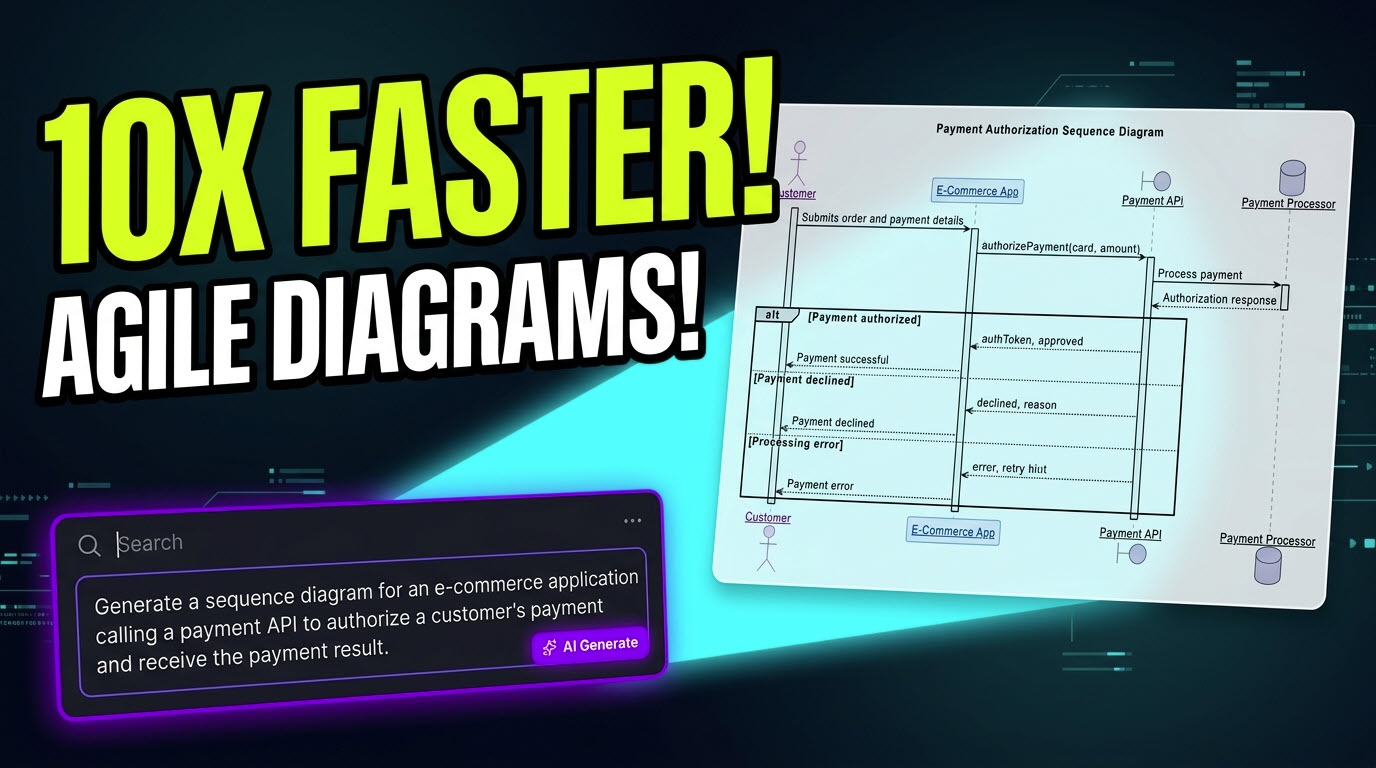
In fast-paced Agile environments, technical documentation often becomes a bottleneck during sprint cycles. Development teams frequently struggle to keep architecture blueprints, user flow maps, and sequence specs updated alongside rapid code deployments. Visual Paradigm’s VPasCode bridges this gap by functioning as a high-performance diagram as code tool designed to drastically accelerate how teams visualize, document, and iterate on complex systems.
By blending conversational prompts with instant text-to-diagram rendering, VPasCode enables product managers, developers, and Scrum teams to draft production-ready visual specifications in seconds rather than spending hours on manual layout alignment.
Eliminating Sprint Bottlenecks with Conversational AI
Agile team meetings, backlog grooming, and architecture spikes often produce raw conceptual ideas that need fast visual conversion. VPasCode serves as a multi-purpose AI diagram generator, allowing teams to translate verbal ideas directly into formatted text scripts without touching a drag-and-drop shape builder.

Whether a team requires an AI flowchart generator to map out a customer checkout flow, an AI sequence diagram tool to model API integrations, or mind maps for brainstorming sessions, VPasCode supports a vast range of standard text-to-diagram standards:
- PlantUML: C4 models, timing charts, component interactions, and deployment nodes.
- Mermaid: User journey maps, state diagrams, Gantt charts, and Git graphs.
- Data & Structural Specs: ECharts, Markmap, Graphviz, DBML, and SQL schemas.
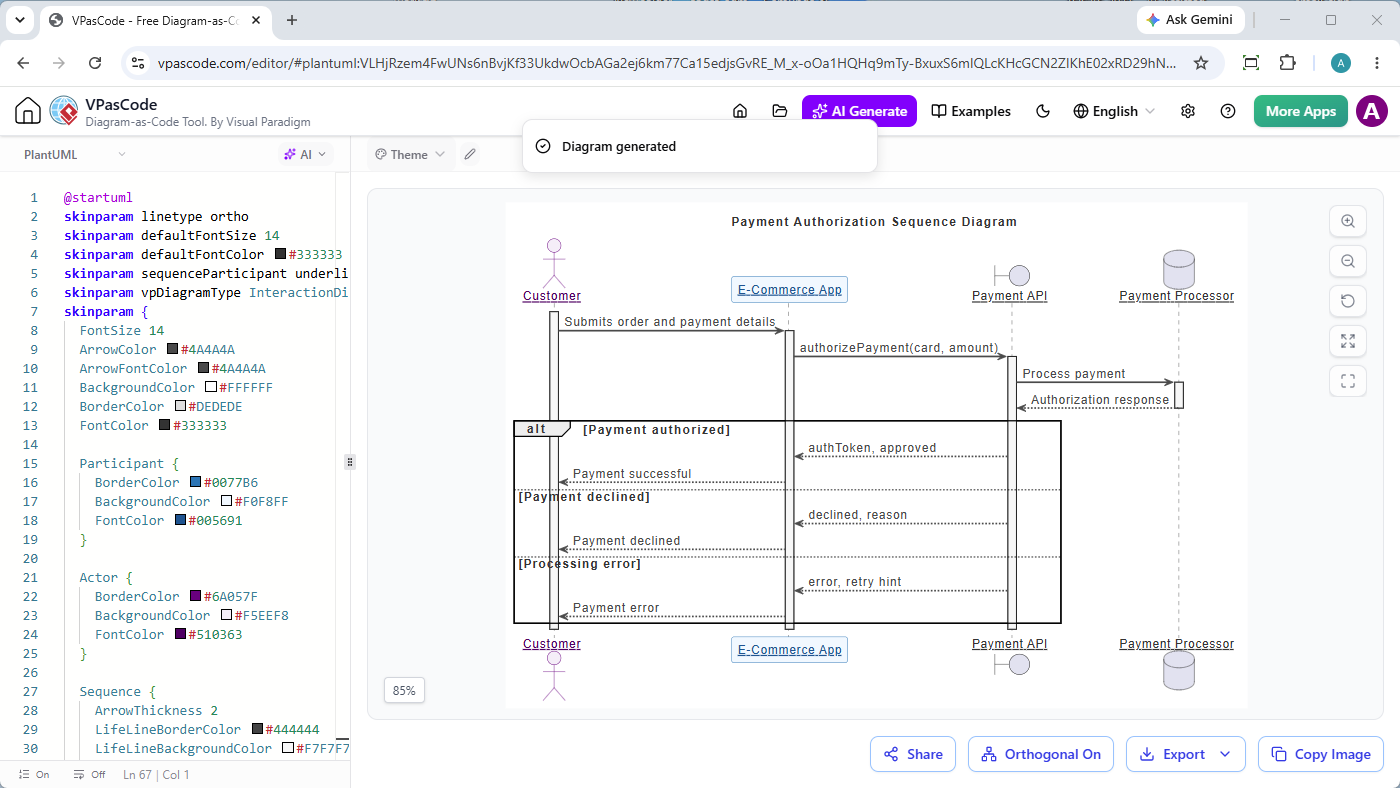
Now let’s see how to generate a UML Sequence Diagram for an e-commerce application calling a payment API to authorize a customer’s payment and receive the payment result.
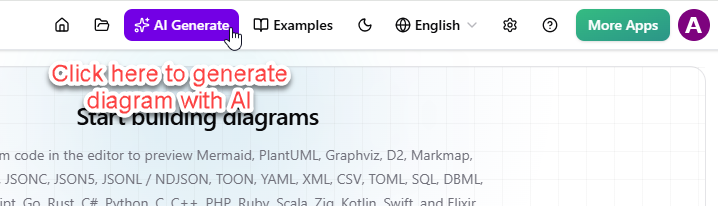
- Click on AI Generate at the top bar of VPasCode.
- Enter your diagramming request and the instruction to generate a Sequence Diagram. In this case we entered “Generate a sequence diagram for an e-commerce application calling a payment API to authorize a customer’s payment and receive the payment result.”. You don’t need to describe the content. AI can infer it. But of course if you want to you can provide more detail for a more precise diagram to be generated.
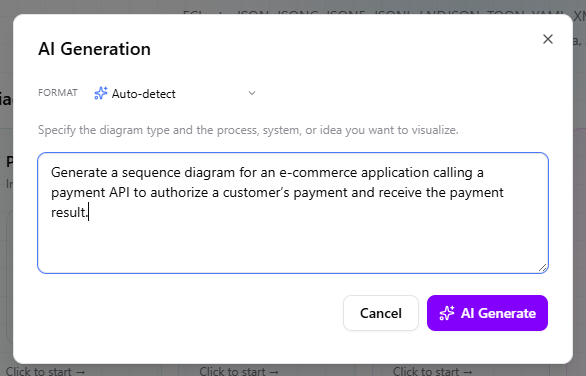
- Click AI Generate at the bottom right.
- You got a sequence diagram like this, generated by AI:
Agile Refactoring: Rapid Diagram Code Updates
As user stories shift during sprint execution, architecture specs must evolve accordingly. VPasCode goes beyond initial prompt generation by functioning as an interactive AI code modification tool.
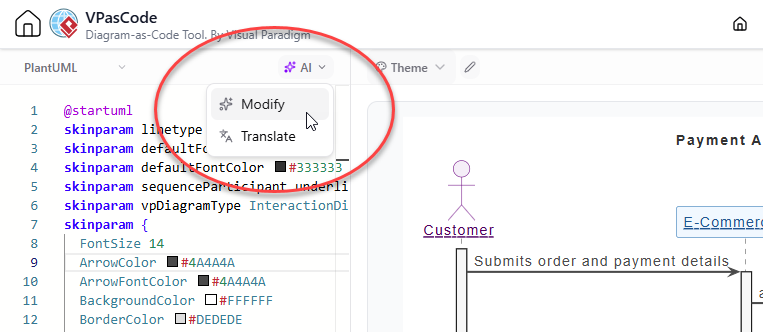
Let’s see how to ask AI to revise the Sequence Diagram we generated earlier.
- On top of the code editor, select AI, and then Modify.
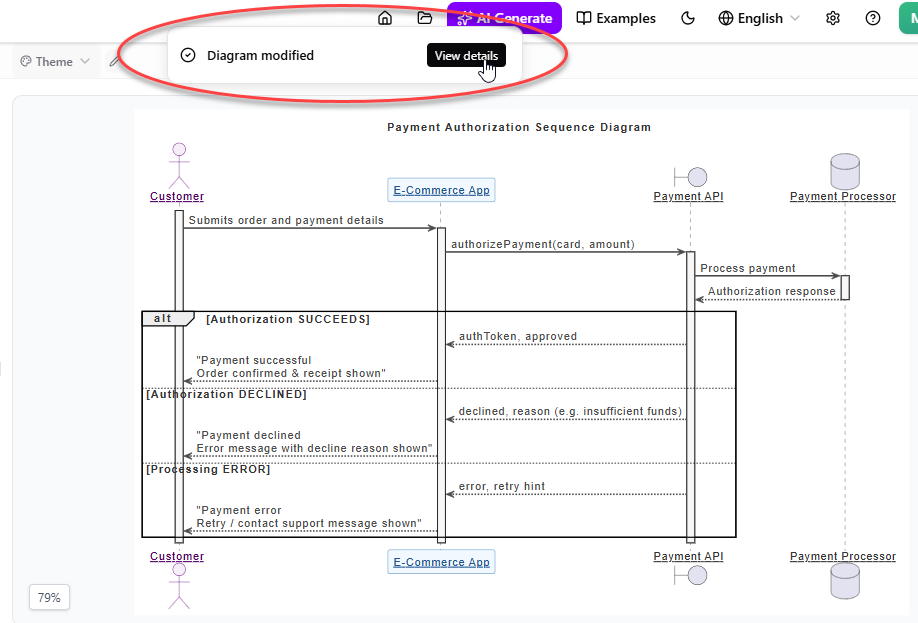
- Describe the change you want AI to make. In this case we entered “Show the different outcomes when the payment authorization succeeds, is declined, or encounters a processing error, and include what the customer sees in each case.”.
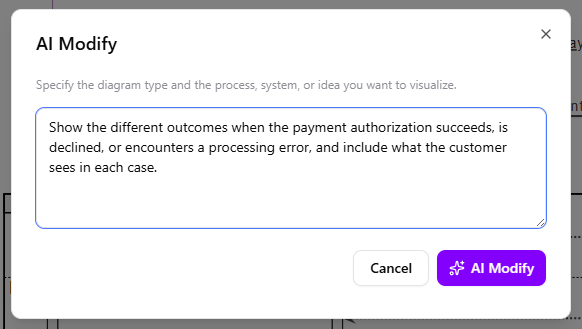
- Click AI Modify at the bottom right to let AI revise the diagram.
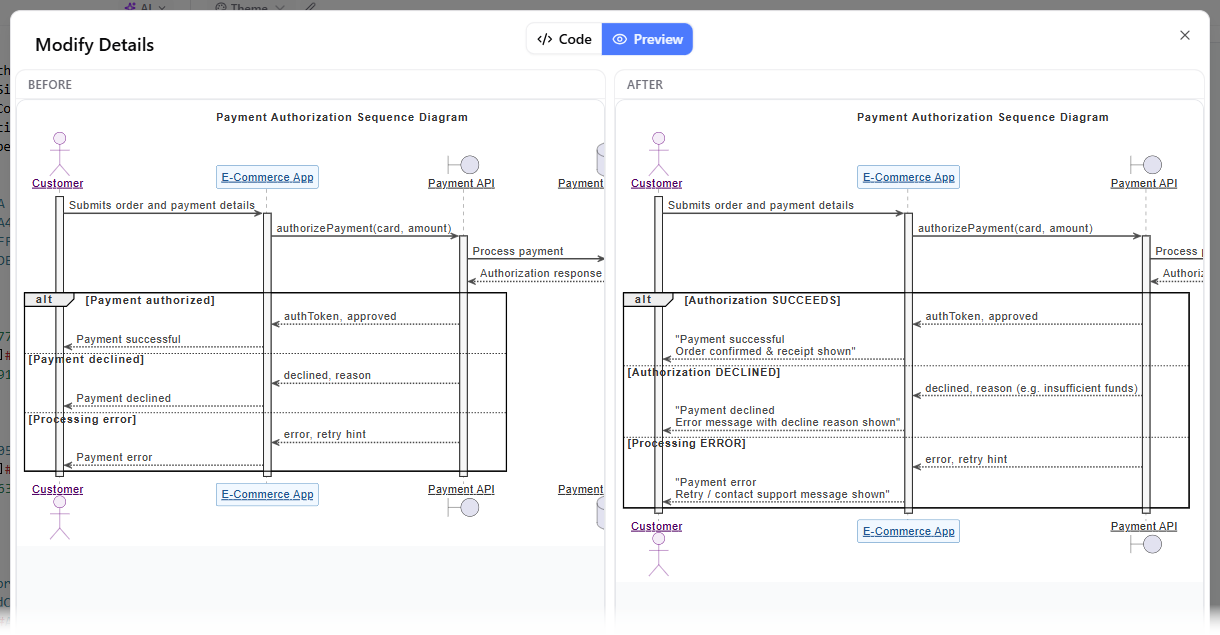
- Your diagram is then modified by AI. You probably want to know what was being modified. Click on View Details.
- This opens a side-by-side visual diff tool. You can review line-by-line script additions alongside visual comparisons before accepting modifications, ensuring that technical debt is minimized across sprint documentation.
Key Advantages for Engineering and Product Teams
- Zero Learning Curve: New developers and non-technical stakeholders can contribute to visual documentation without having to learn syntax rules first.
- Git-Friendly Workflows: Because VPasCode produces clean text scripts, diagrams can easily be committed to version control systems or exported into Visual Paradigm OpenDocs.
- Automatic Error Recovery: The built-in AI error fixing tool automatically detects syntax issues and resolves them with clear explanations.
Accelerate your team’s sprint documentation workflow today by exploring the VPasCode Diagram Editor right in your browser.
Related posts:
 From Frustration to Fluency: How VPasCode’s Transparent AI Transforms Diagram-as-Code Workflows
 Revolutionizing Diagramming with VPasCode’s Unified Text-to-Diagram Platform
 Bridging the Gap: A Comprehensive Guide to As-Is/To-Be Analysis Using Sequence Diagrams
 A Practical Case Study on Unified Modeling Language (UML) Implementation in Modern Software Development